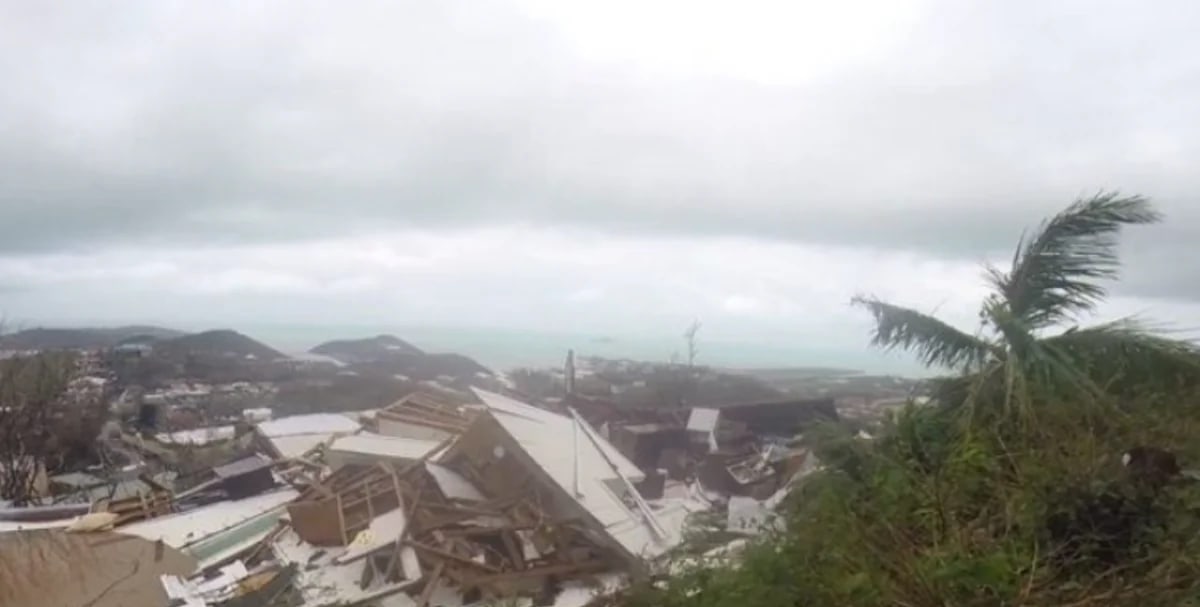
When a hurricane or severe storm strikes the US Virgin Islands, insurance paperwork piles up fast: adjuster reports, contractor estimates, proof of loss forms, photographs and receipts. Each document often requires corrections, notes, signatures or the removal of sensitive information before submission to an insurer. Working directly on a computer or mobile device keeps the process moving without the need to print, rescan or retype.
Time pressure is real. The National Flood Insurance Program requires policyholders to submit a signed proof of loss within 60 days of a flood. FEMA recommends meeting this deadline even if you dispute the adjuster's assessment, since additional items can be included later via a supplemental claim. Standard homeowners policies impose their own timelines, so reviewing your policy and requesting key dates in writing from your insurer is critical.
A capable PDF editor handles all these tasks on a laptop or phone. Six tools stand out for managing storm claims.
The six options
Lumin provides a free tier covering basic editing and legally valid signatures for up to three documents monthly, with paid tiers beginning at $9 per month. It runs on web browsers, iOS, Android, Mac and Windows, and includes an offline mode for areas with poor connectivity. Adobe Acrobat Pro runs $19.99 monthly on an annual subscription and delivers optical character recognition (OCR), content removal and side-by-side file comparison. Foxit PDF Editor costs $129.99 yearly for its base version and includes OCR and PDF comparison capabilities. Nitro PDF Pro charges $15 per user monthly and supports Windows, Mac and iOS. Smallpdf Pro is approximately $9 monthly on annual billing and excels at browser-based tasks like file compression to meet upload restrictions. PDFelement runs $9.99 monthly and offers OCR, content removal and page numbering.
What claim packets actually need
While most editors share common features, specific capabilities determine how quickly a claim advances. The ability to modify text within the PDF itself is essential for updating names, dates, policy numbers and itemized lists. Markup features such as highlighting and text boxes allow you to flag damaged items on your copy of a repair estimate. Forms that accept keyboard or phone input eliminate the need to print and handwrite. Permanent redaction removes confidential data completely, unlike a drawn black box which may leave underlying text visible in the file. OCR transforms scanned receipts and paper estimates into searchable, editable documents. Tools that manage file size help photo-laden packets fit within an insurer's upload capacity. Mobile apps and offline functionality keep work progressing during power failures or internet outages. Timestamped electronic signatures reduce the need for printing and scanning. Side-by-side comparison of two PDFs proves useful when an insurer's assessment and a contractor's assessment contain different line items.
Pricing and features shift regularly, so check each provider's current rates before committing. Verify your policy's specific requirements and deadlines with your insurer, adjuster or legal counsel.



Comments
No comments yet. Be the first.